Per-VM EVC blocks enabling EVC on the cluster
VMWare Enhanced Vmotion Compatibility (EVC) has been around for a long time. But since version 6.7 of vSphere (minimum hardware version 14), VMWare extended the EVC possibility from hosts to VM’s.
This is great because with Per-VM EVC the EVC mode becomes a VM attribute and is no longer dependent on a specific processor generation of the cluster. This makes vMotion operations more flexible and keeps it settings when moving the VM around a hybrid cloud. But as with many things, this added functionality can also work against you. As we experienced when migration to new hardware.
We had ordered new hardware to replace the old hardware, so we had to enable EVC on the cluster in order to add the new hosts. But when we tried to enable EVC on the cluster we got and error.


The old hardware uses Skylake processors so that should be the minimum.
Just as a reminder here is a shortlist of Intel processor families from the past decades;
- 2006 Intel “Merom” Generation (Intel Xeon Core 2)
- 2007 Intel “Penryn” Generation (Intel Xeon 45nm Core2)
- 2009 Intel “Nehalem” Generation (Intel Xeon Core i7)
- 2011 Intel “Westmere” Generation (Intel Xeon 32nm Core i7)
- 2013 Intel “Sandy Bridge” Generation
- 2014 Intel “Ivy Bridge” Generation
- 2014 Intel “Haswell” Generation
- 2015 Intel “Broadwell” Generation
- 2015 Intel “Skylake” Generation
- 2019 Intel “Cascade Lake” Generation
- 2022 Intel “Ice Lake” Generation
- 2023 Intel “Sapphire Rapids” Generation
- 2024 Intel “Emerald Rapids” Generation
When looking at the VM’s in the cluster we saw something odd. There were some VM’s with Cascade Lake and Ice Lake EVC settings. So these VM’s had a broader instruction set than what the host processors could handle.
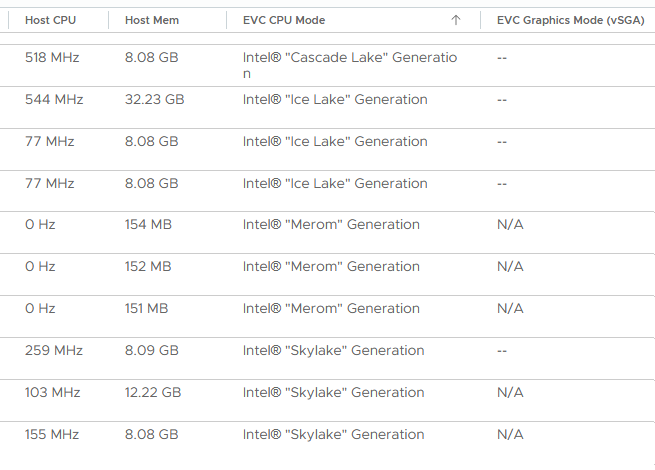
We could trace this back to the template from which the VM’s were created. But here is where it gets interesting. The template and the VM’s had Per-VM EVC disabled. Following the documentation this should mean they must inherit the cluster EVC setting which also has EVC disabled. (https://techdocs.broadcom.com/us/en/vmware-cis/vsphere/vsphere/7-0/vsphere-virtual-machine-administration-guide-7-0/managing-virtual-machinesvm-admin/evc-as-a-virtual-machine-attributevm-admin/configure-the-evc-mode-of-a-virtual-machinevm-admin.html).
We powered off the VM’s, but when they were off Per-VM EVC was disabled. Switching between enabled, disabled, power on, power off, it didn’t do the trick. They still would start with Per-VM EVC enabled with a higher version.
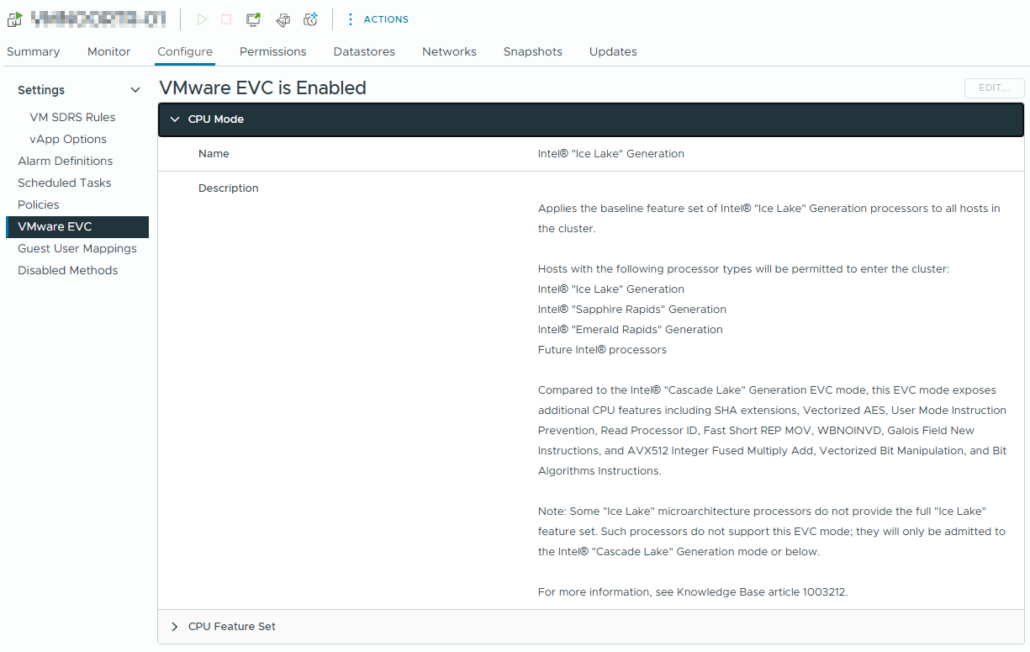
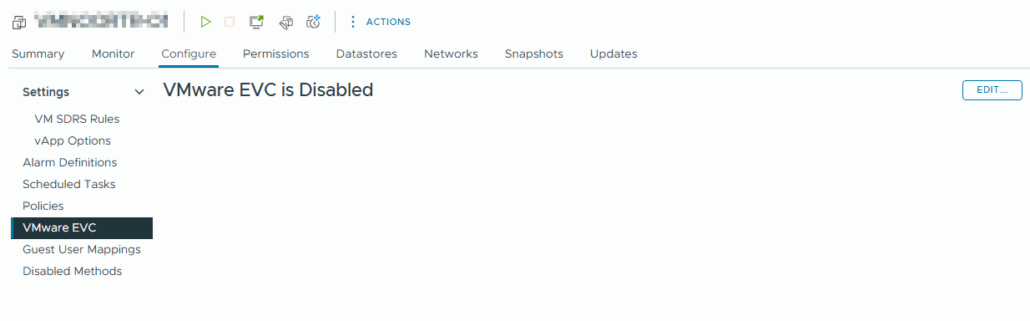
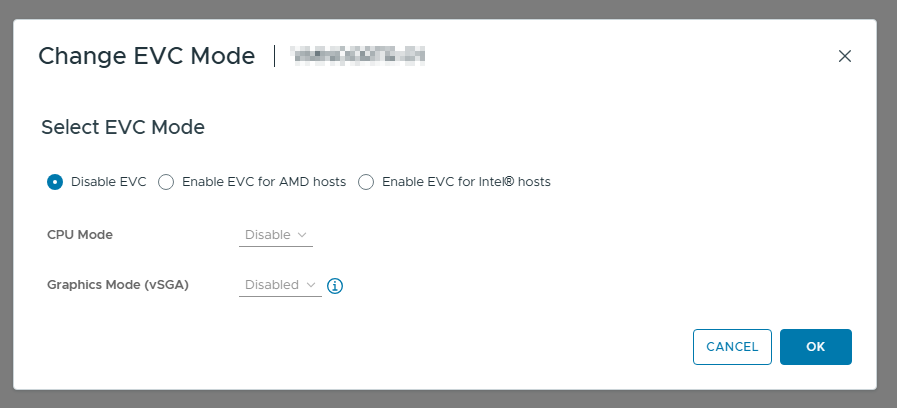
The only way to fix it was to tell the VM it should have Per-VM EVC enabled with the specific processor.

After that we could enable EVC on the cluster and add the new hardware.

Started his working life as a system manager at a health care organization. Is now a dedicated technical consultant at PepperByte. Specialist in virtualization and security.
Core qualities
Eager to learn, punctual, fun, loyal, patient
Hobbies
Socializing, watching television series and sports
Job description
Technical Consultant
Leave a Reply
Want to join the discussion?Feel free to contribute!