RD Gateway connection fails on Windows 7
I needed to connect remotely via Remote Desktop to a Windows Server 2012 machine.
I received an rdp file that was configured to use an RD Gateway server:

However when trying to connect from my Windows 7 laptop (x64) machine, I got the following error message:

Followed by this message when I tried to connect again:

After some troubleshooting I decided to test the connection from a virtual machine and to my surprise it worked fine there.
Knowing that I was able to connect to other machines with Remote Desktop from my laptop without problems there had to be a difference.
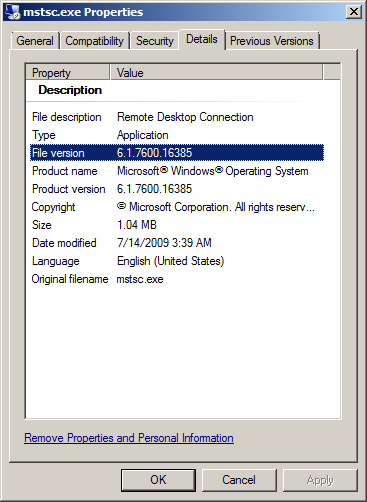
I compared the versions of mstsc.exe and mstscax.dll and noticed that the version of my laptop was newer:
 |
 |
I copied mstsc.exe and mstscax.dll from the virtual machine to my laptop in a separate folder. When starting the copied mstsc.exe I got an error message about missing mui (multi language) files:

To solve this I created a subfolder en-US and copied the files mstsc.exe.mui and mstscax.dll.mui from the virtual machine.
Mstsc now launched but a connection using the specified RDP file yielded yet another error:
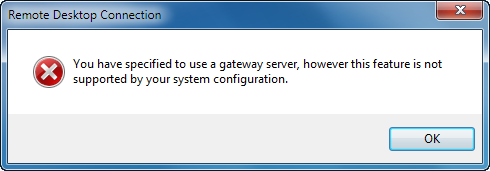
I found the error message string in mstsc.exe.mui with a resource id of 13349:
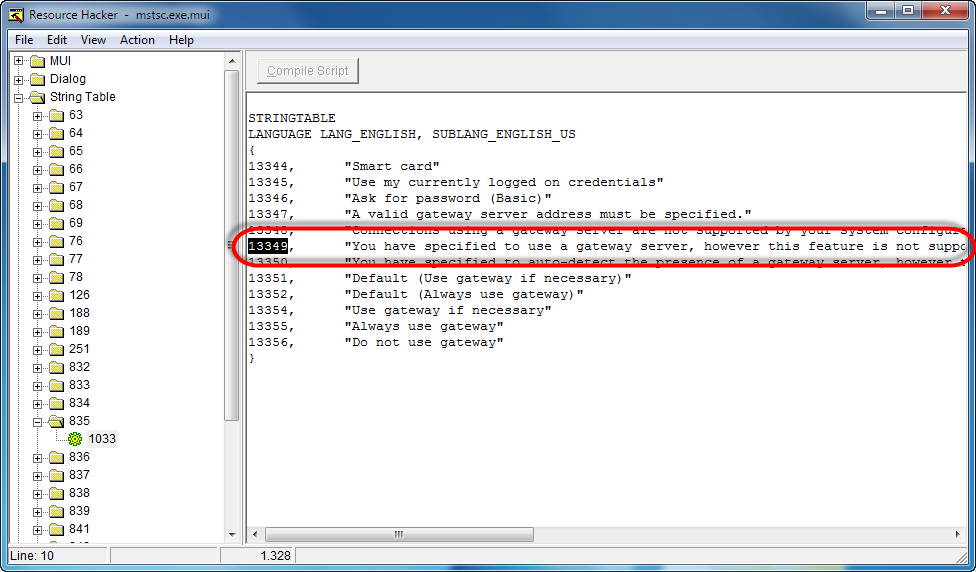
I opened mstsc.exe in Ida Pro and searched for 13349 but no hits. I then searched on 3425 which is the hex value of 13349 and then I got a hit in a function called CContainerWnd::StartConnection:
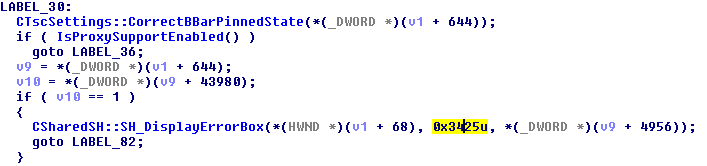
So if IsProxySupportEnabled returns FALSE, this message is displayed. The IsProxySupportEnabled function doesn’t do much, it just loads a DLL named AALibrary:
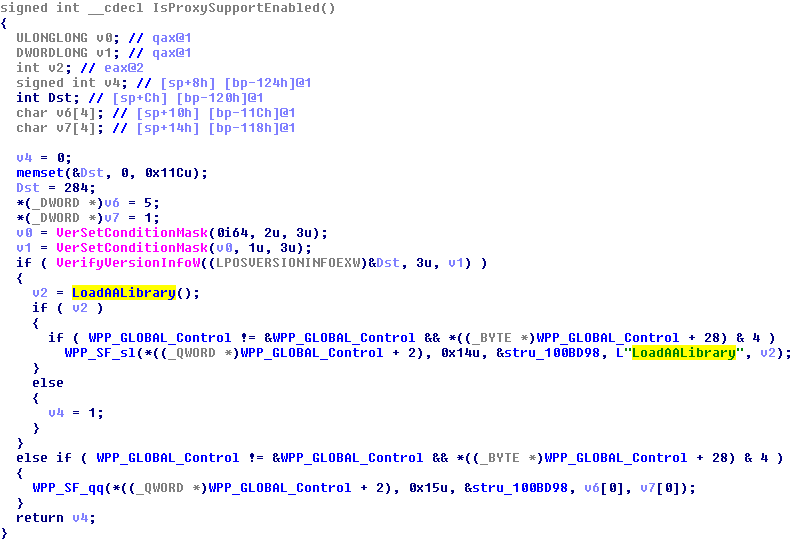
Clicking on in the code showed some traceoutput that identifies AALibrary as aaclient.dll:

I copied over aaclient.dll to the same folder as mstsc.exe and aaclient.dll.mui to the en-US subfolder and finally it worked!

Was once an enthusiastic PepperByte employee but is now working elsewhere. His blogs are still valuable to us and we hope to you too.